
How do I utilize the "Shop Now" option?Updated 9 months ago
To utilize the "Shop Now" bonus credits, please visit our Returns Portal and set up a return for the item(s) you're wanting to return to us and let us know a little bit about why. From there, please select "Shop Now... & get free shipping on your new order!"
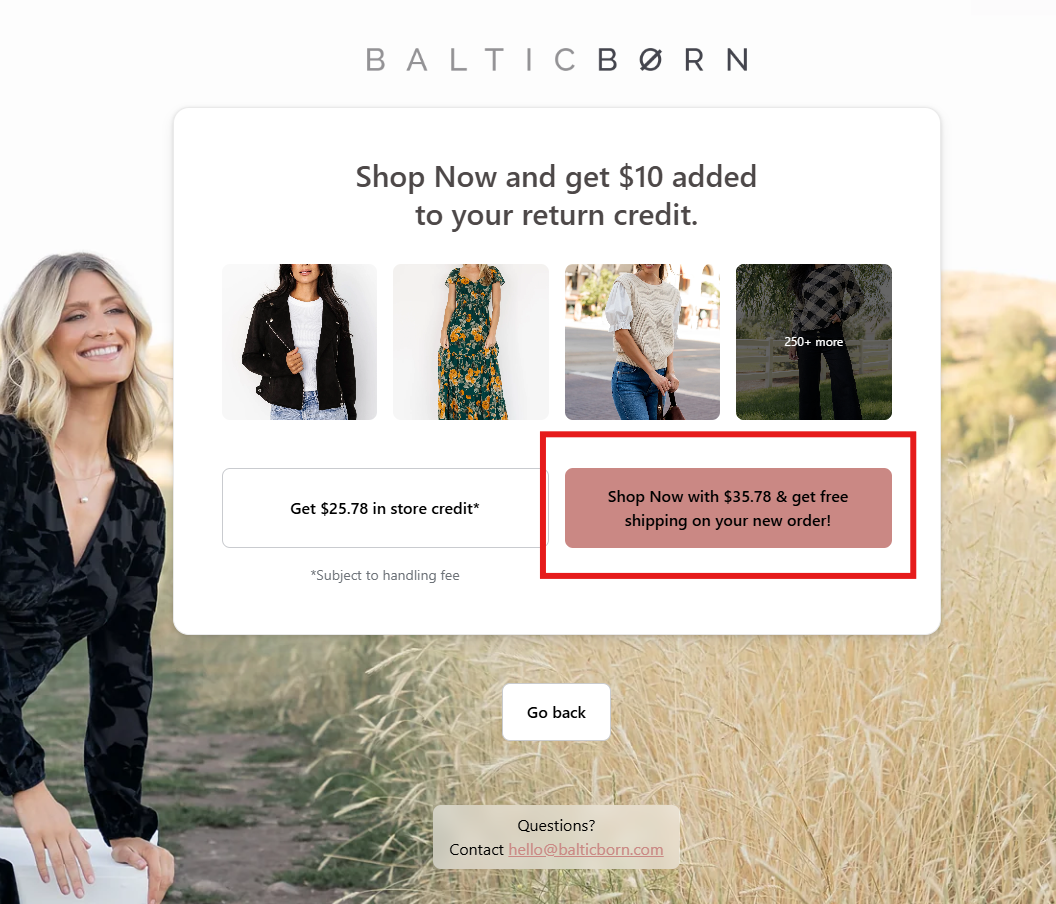
From here please shop around and select the item you'd like to exchange for, add the correct size to your cart, and then please proceed to "Check out" once you are ready!

This will redirect you back to our returns portal where you can finalize the exchange details and we will provide you with a return label at this point as well.
